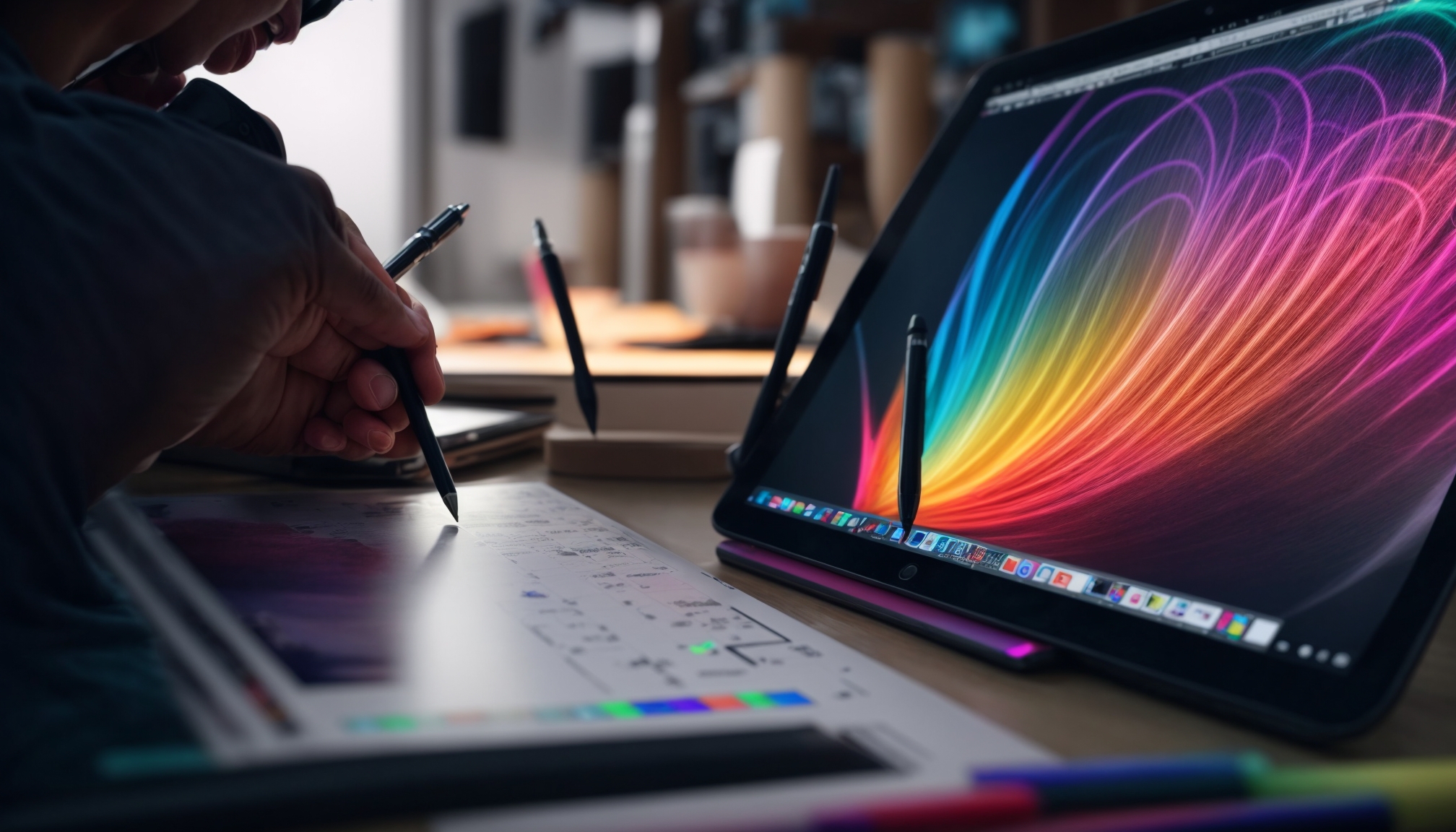
RobertDraws.com – Rapid advances in stylus technology, screen quality, and software integration make the best graphic tablets 2026 a decisive tool for illustrators, animators, and designers who want smoother workflows and more precise control.
Artists now depend on digital tools not just for sketching, but for full production workflows. The best graphic tablets 2026 give professionals natural pen feel, accurate color, and responsive performance, so every line translates faithfully to the screen.
Modern tablets deliver higher pen pressure levels, better tilt recognition, and minimal parallax. As a result, drawing feels closer to working on real paper, which helps artists move between traditional and digital media more comfortably.
In addition, improved display technology supports wider color gamuts and higher resolutions. This matters for concept artists, comic creators, and illustrators who must see subtle color shifts and fine details clearly before sending work to print or clients.
Choosing the right device starts with understanding core specifications. Screen size, resolution, and pen technology shape how comfortable and accurate your drawing experience will be.
Larger displays suit detailed illustration and animation timelines, but compact models help traveling artists work anywhere. Meanwhile, high-resolution panels, ideally QHD or 4K on medium to large screens, keep artwork crisp when you zoom in on tiny elements.
Equally important, the pen should feel balanced and responsive. Low latency, high pressure sensitivity, and reliable tilt support let you control opacity and brush shape instinctively. Therefore, the best graphic tablets 2026 focus on fast response times and stable drivers that work well with major creative apps.
Artists can now choose between three main categories: standalone tablets, pen displays, and pen tablets. Each type fits different workflows and budgets.
Standalone devices combine a tablet and computer in one product. They run full creative software without needing a PC, making them ideal for artists who travel or work in small spaces. However, they usually cost more than display-only solutions.
Pen displays connect to a desktop or laptop and let you draw directly on the screen. This setup offers a natural experience and leverages the power of your main computer. Meanwhile, screenless pen tablets are usually the most affordable option, using your monitor as the visual output while you draw on a separate pad.
Read More: How to choose a drawing tablet for digital art
Budget affects which models you can consider, but the best graphic tablets 2026 exist across several price tiers. Entry-level tablets often provide solid pen performance with smaller screens or no display at all.
Mid-range models usually strike the best balance for many freelance artists. They combine accurate colors, comfortable screen sizes, and useful shortcut keys without reaching flagship prices. Because of that, they remain popular among students and rising professionals.
High-end devices focus on studio-grade displays, premium pens, and robust build quality. These tablets suit animators, matte painters, and illustrators who rely on perfect color accuracy and demand consistent reliability during long production schedules.
When evaluating the best graphic tablets 2026, software compatibility is just as important as hardware. Reliable drivers and smooth integration with Photoshop, Illustrator, Clip Studio Paint, Procreate, Blender, or other tools ensure nothing interrupts your creative flow.
Many modern devices support customizable shortcut keys, radial menus, and multi-touch gestures. These additions reduce repetitive keyboard use and speed up tasks like zooming, rotating the canvas, or switching brushes.
On the other hand, operating system support remains crucial. Artists must confirm that chosen tablets work seamlessly with Windows, macOS, or even Linux, depending on their production environment. This reduces the risk of driver conflicts or performance issues.
The best place to start is clarifying how and where you work. If you travel frequently or sketch on location, a light, standalone device might offer more flexibility. Studio-based professionals can benefit from larger pen displays connected to powerful desktops.
Ultimately, the best graphic tablets 2026 balance pen comfort, display quality, performance, and budget. Artists who test pen feel, check color accuracy, and verify software support before buying gain more confidence in their investment.
As creative tools keep evolving, paying attention to these fundamentals helps you choose the best graphic tablets 2026 for different stages of your career. With the right device, your digital strokes become more expressive, your workflow runs smoother, and your finished artwork reflects the full potential of your skills on the best graphic tablets 2026.